

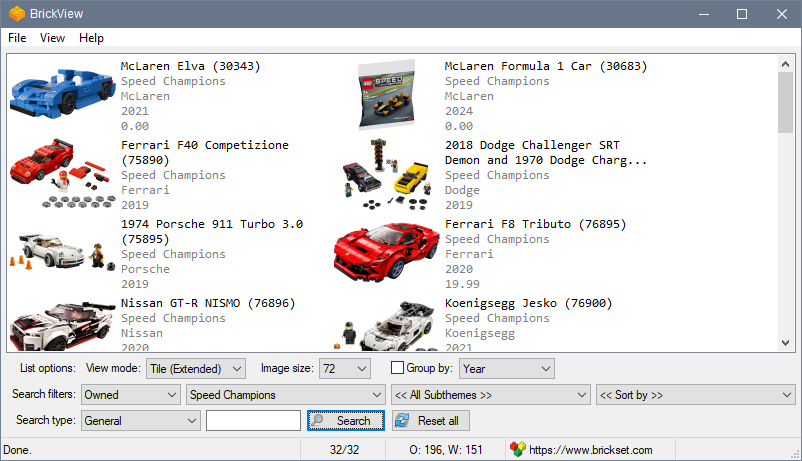
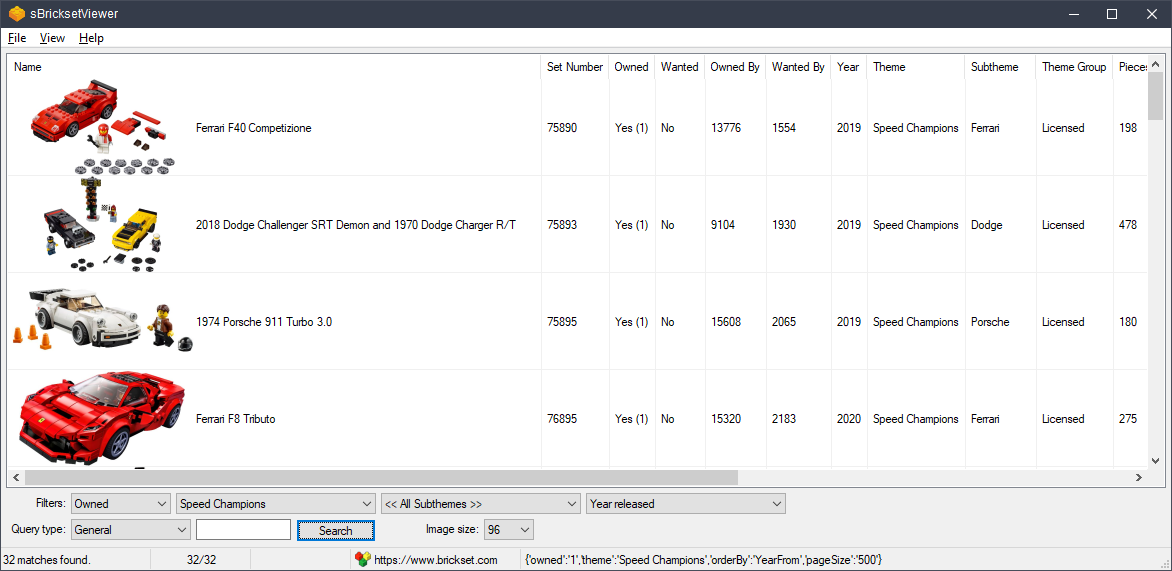
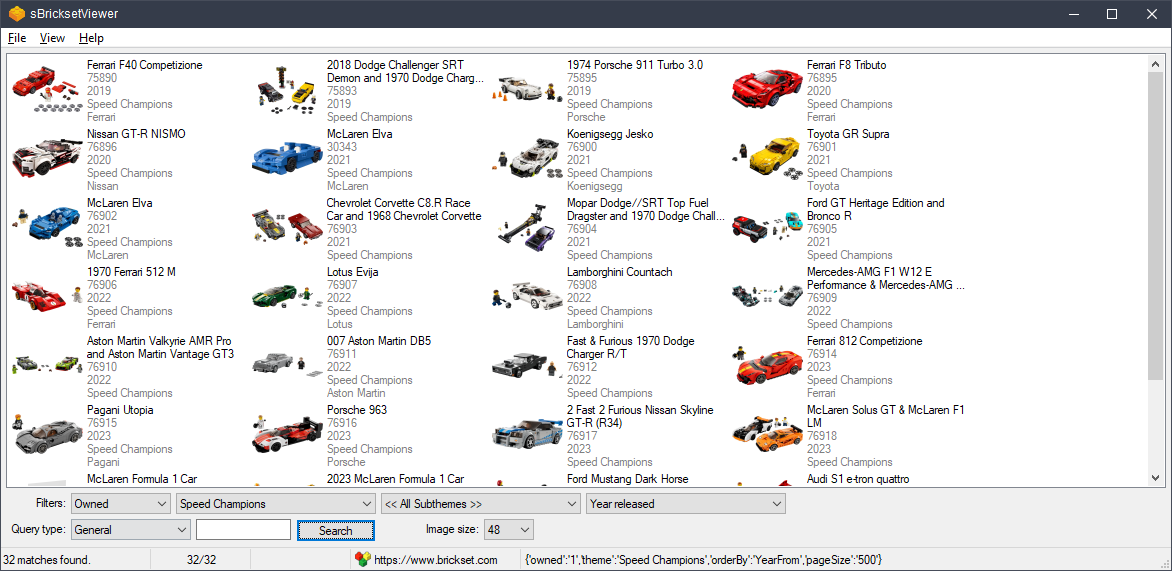
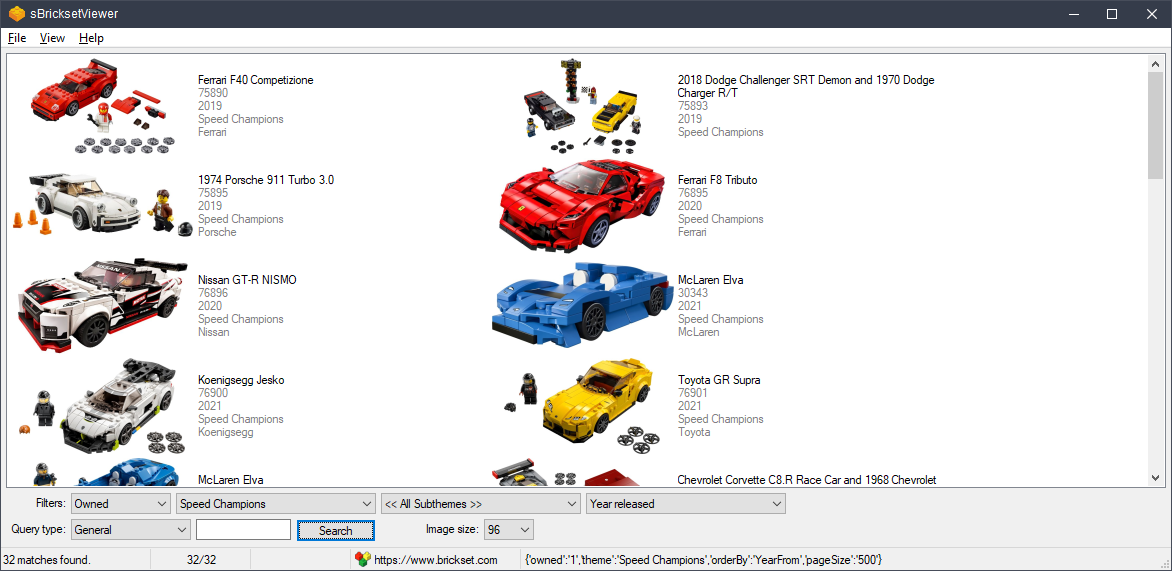
Description: BrickView is a Windows application designed to view LEGO® set information from the Brickset.com website.
Notes:
- You must have an account on Brickset.com for this application to work. Sign up here.
- Tested on Windows 10/11 64-bit. Probably works, but not tested, on Windows Vista/7/8.
- Since BrickView has to download the set images to display them, the first time a set shows up in a search, it will be somewhat slow to load. However, images are cached, and subsequent searches that include that set should display much more quickly. If the image cache folder {appdir}cache gets too large, feel free to delete all or some of the image folders within it, and BrickView will re-download the images as it needs them.
- The display of the results can vary with different combinations of View mode, Image size, & Group by options. This is the result of the standard Windows listview capabilities and limitations. Get into the habit of setting the different options before clicking the [Search] button.
Version: 1.0.0.1 (2026-01-01) 💾 DOWNLOAD BrickView v1.0.0.1
Supported OS: Windows 10/11 64-bit. Probably works, but not tested, on Windows Vista/7/8.
History: Changelog
Installation: Unzip BrickView.zip to its own folder and run BrickView.exe.
Discussion forum: Here
Help file: Here
PAD file: Here
Screenshots:

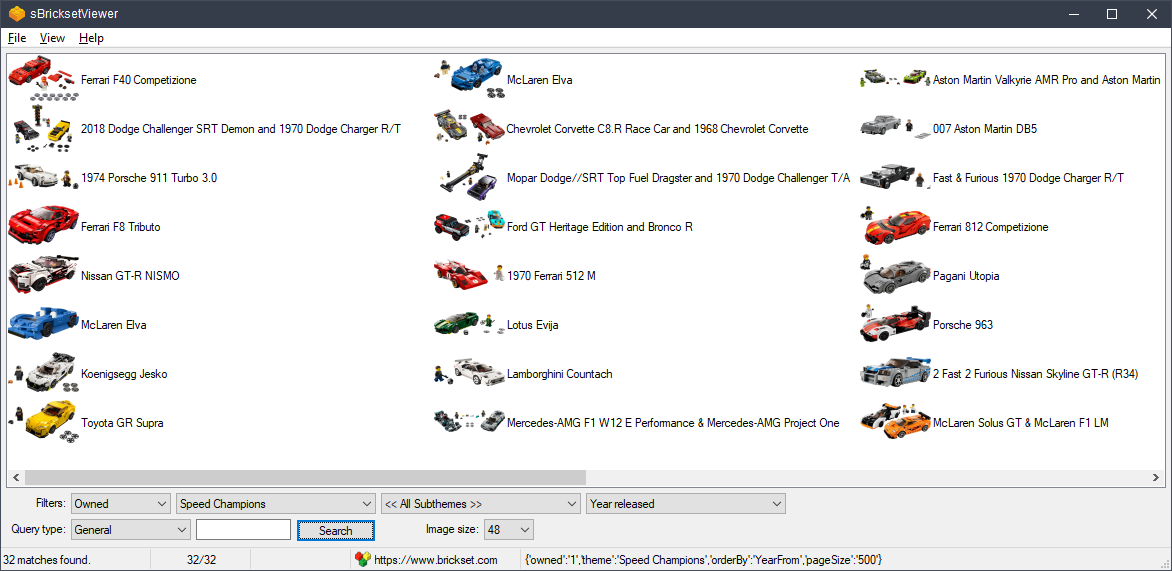
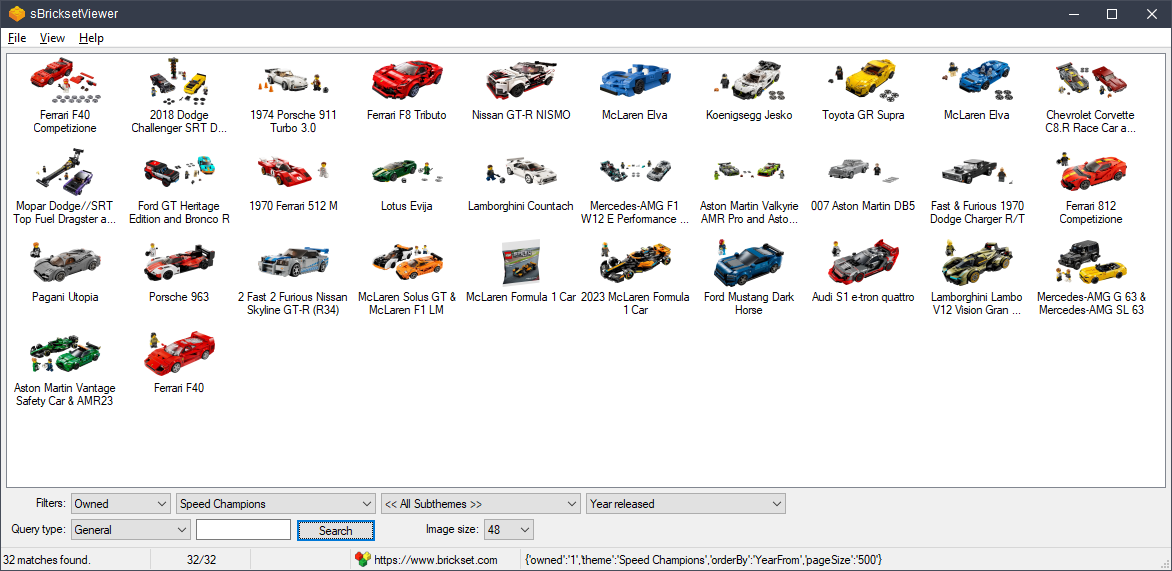
- Version 1.0.0.1
- Downloads 20
- File Size
- File Count 1
- Create Date 2026-01-01
- Last update 2026-01-01 12:00:38
- Last Updated 2026-01-03